
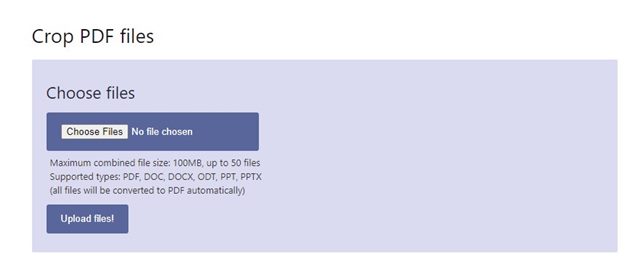
If you’re in a hurry, you can crop PDF files without installing any software. Free online PDF editors can trim or crop white margins from a PDF file. Here are some of the best free ways to crop PDF files online.
1. Crop PDF Files Using PDFresizer
PDFResizer is a free and easy-to-use online tool for cropping and resizing the canvas of a PDF document.
1. Open your favorite web browser and visit the webpage.
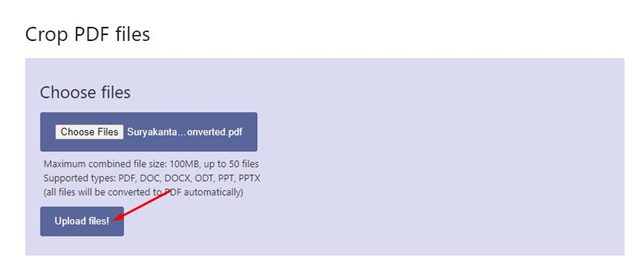
2. Click the Choose Files button and upload the PDF file you want to edit. Once done, click on Upload files!.
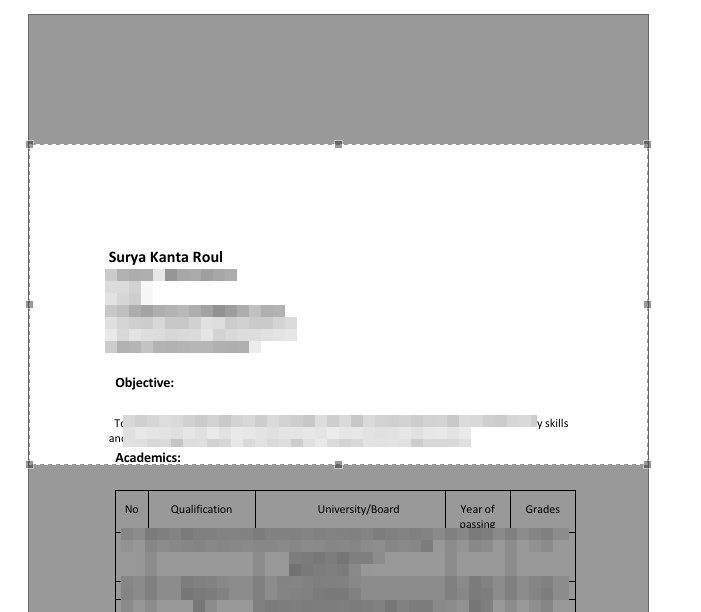
3. Select the portion that you want to crop.
4. Click on the Crop it! button.
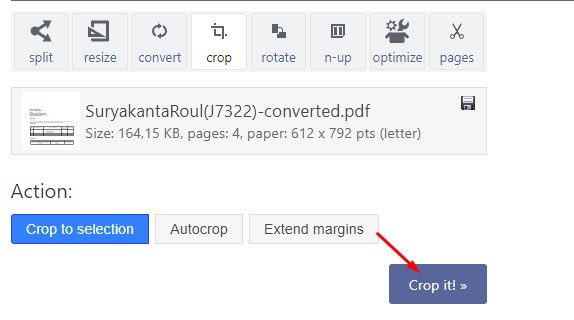
5. Wait until the web tool crops your PDF file. Once done, click the Download button to download the cropped PDF file.
2. Crop PDFs Using Sejda PDF Crop
Sejda Crop PDF Online is a web-based tool allowing you to trim PDF margins and change the PDF page size.
1. Open your favorite web browser and visit this webpage.
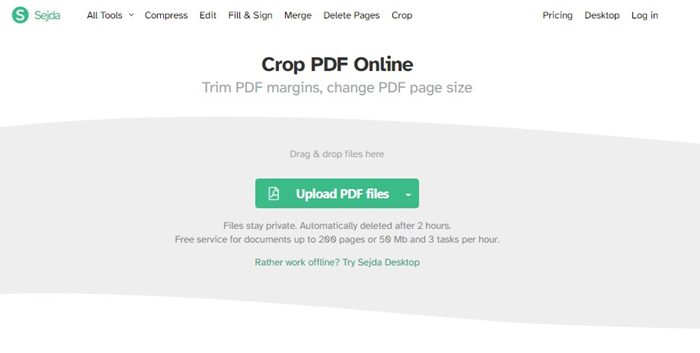
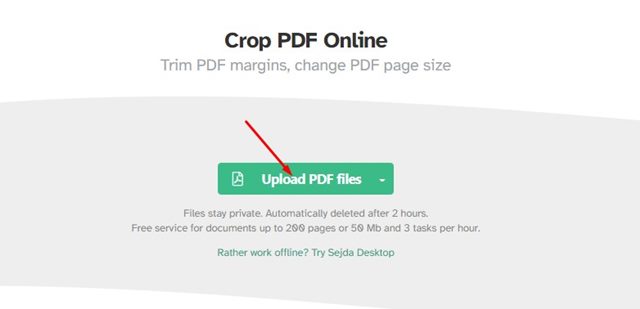
2. Click Upload PDF files and select the PDF file you want to crop.
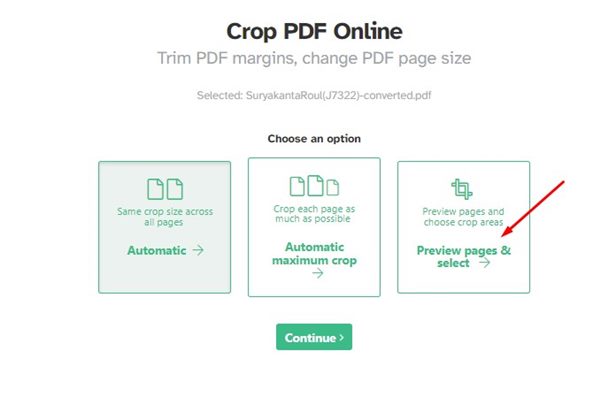
3. You will find three different crop options: Automatic, Automatic maximum crop, Preview pages & select.
4. Select the third option and click Continue.
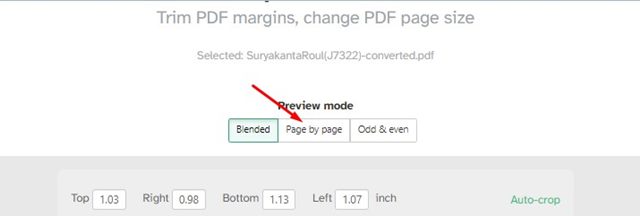
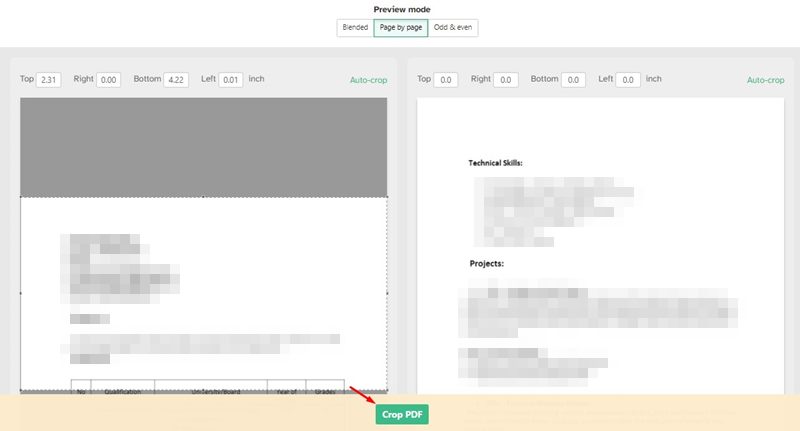
5. Open the Preview mode and select the Page by Page option.
6. Select the portion you want to crop for each page. Once you’ve done this, click Crop PDF.
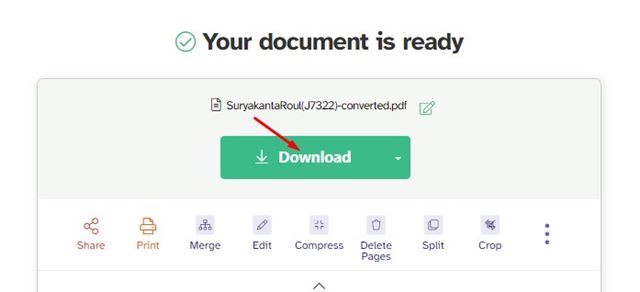
7. Click the Download button to download the cropped PDF file.
3. Crop PDF Files using Xodo PDF
Xodo has a PDF cropper that lets you crop PDF pages into different sections. Here’s how to use it.
1. Open your favorite web browser and visit this webpage.
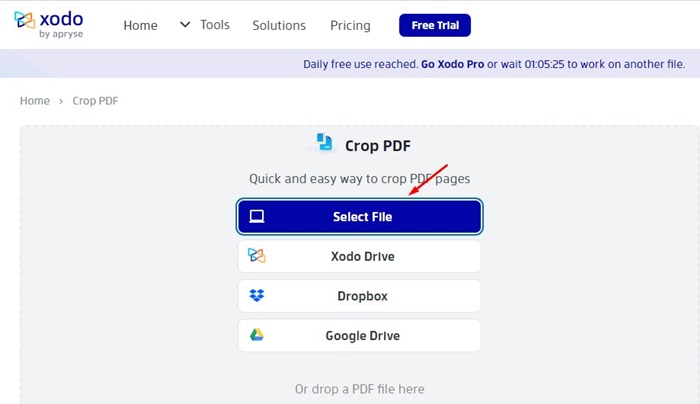
2. Click the Select File button and select the PDF file you want to crop.
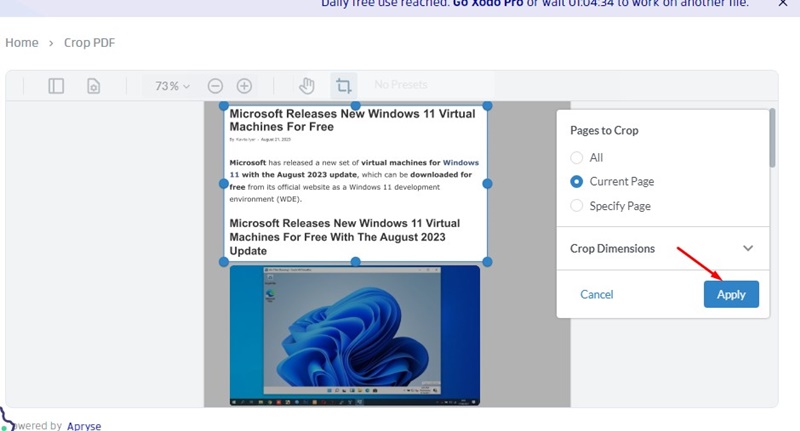
3. Select the Pages to Crop.
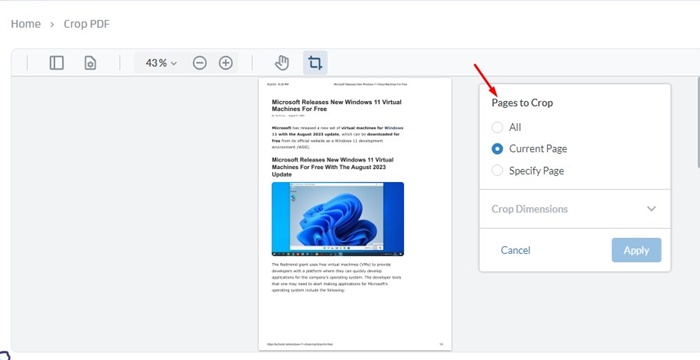
4. Select the portion that you want to crop.
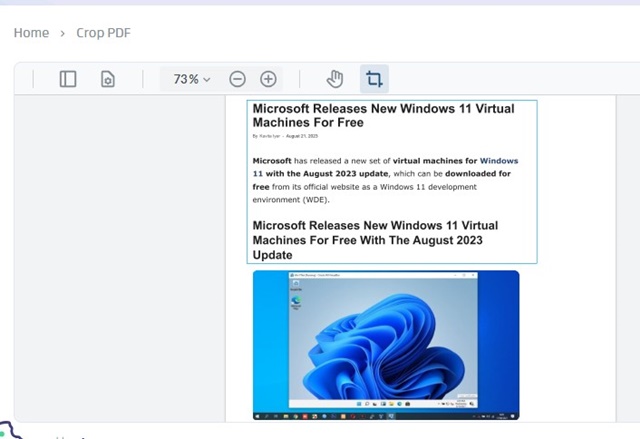
5. Click on Apply.
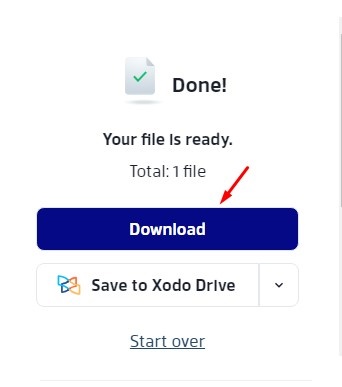
6. On the right side, click the Download button to download the cropped PDF file to your computer.
4. Crop PDF using Adobe Acrobat PDF Cropper
Adobe has an online PDF Crop tool that is of great use. It’s free to use, but you will have to sign in with your Google account.
1. Open this webpage and click on the Select a file button. Select the file you want to crop.
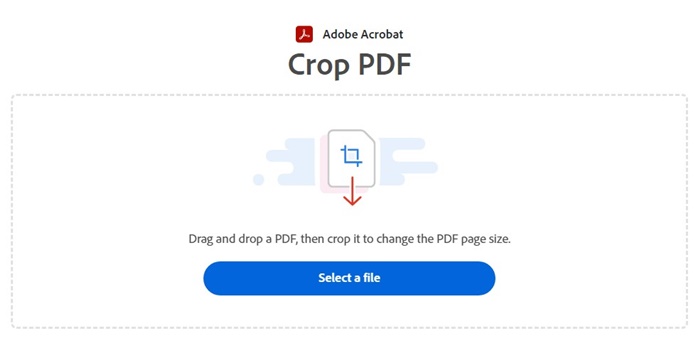
2. After selecting the PDF file, wait for the PDF file to upload.
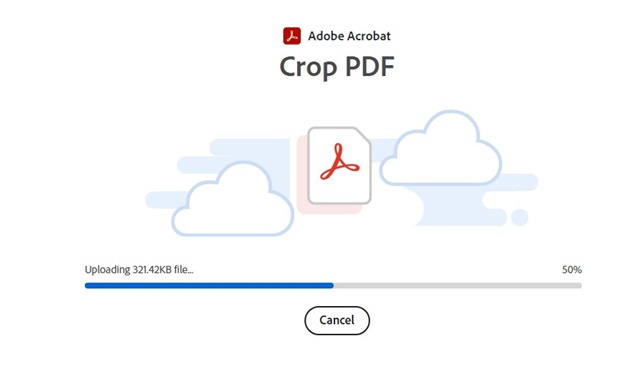
3. Sign in with your Google Account. This will open your uploaded PDF file in the Adobe PDF cropper.
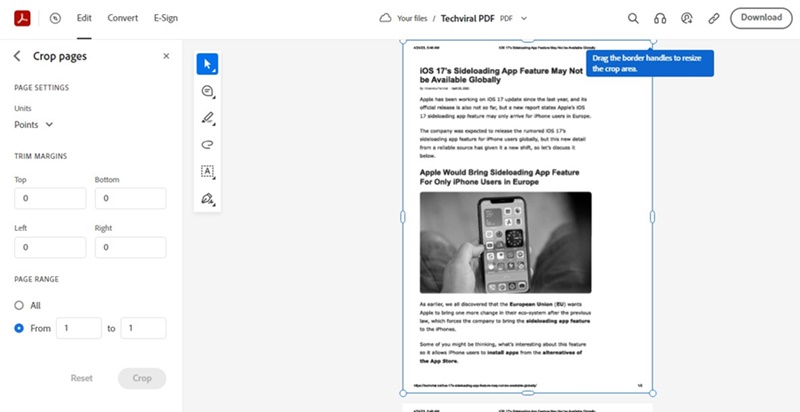
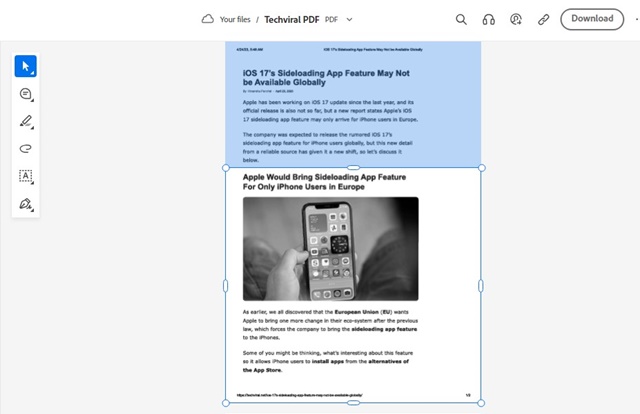
4. Select the portion of the PDF file you want to crop.
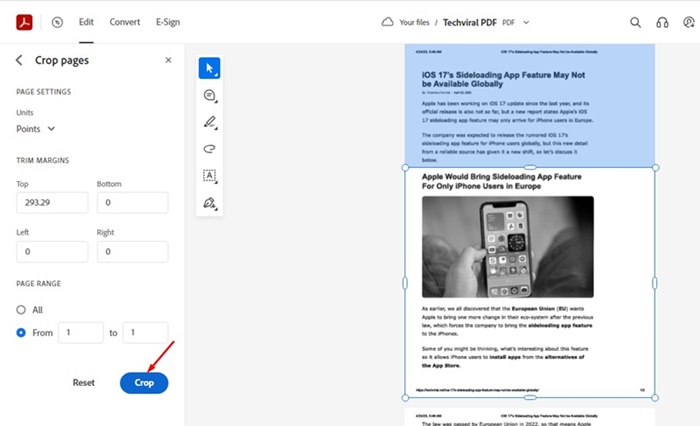
5. Click Crop.
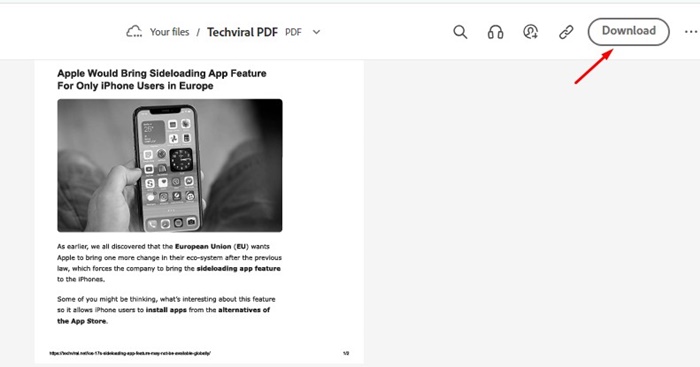
6. Click on the Download button.
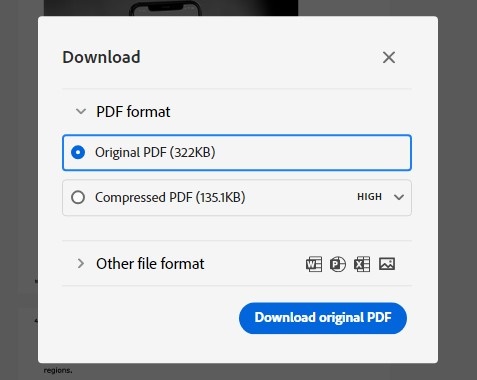
7. Click on the Download original PDF.
These are the best ways to crop PDF files online. The listed websites offer many other features, such as PDF editing, PDF signing, and more.
The post 4 Best Ways to Crop PDF Files Online appeared first on TechViral.
from TechViral


0 Comments