
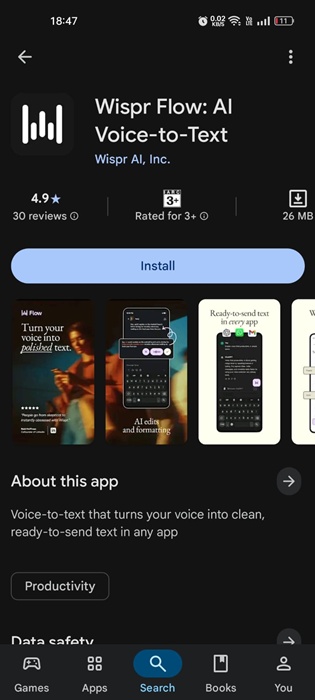
Let’s admit it, typing on a phone is fine until we have to type a lengthy message. Sometimes, our thumbs can’t keep up. This is where Wispr Flow steps in.
What is Wispr Flow?
Wispr Flow is an AI dictation app, previously available on desktop and iOS. It was recently made available for Android, and it works differently here – in a good way.
Wispr Flow is designed to replace manual typing. The most unique part is that it doesn’t just transcribe; it cleans up filler words, fixes grammar, formats your sentences, and even adapts to the context.
How to Download and Install Wispr Flow on Android?
Wispr Flow is available on the Google Play Store. You can download it from there and use it for free. Here’s how to use the app.
1. Download & install the Wispr Flow app on your Android phone.
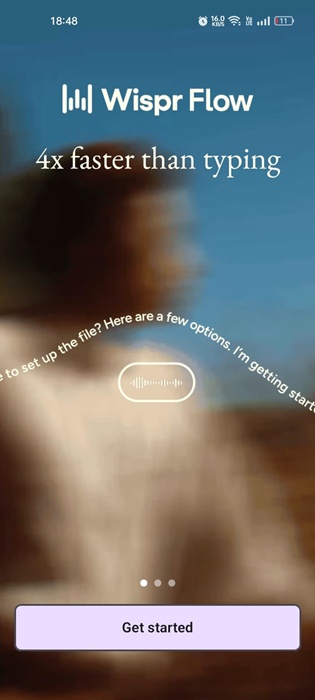
2. When the app installs, open it and tap Get Started.
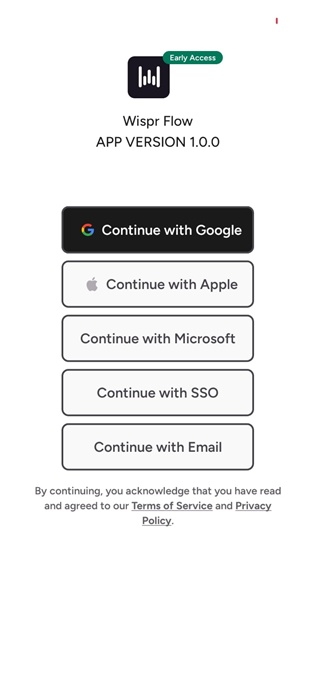
3. Now log in with your Google Account.
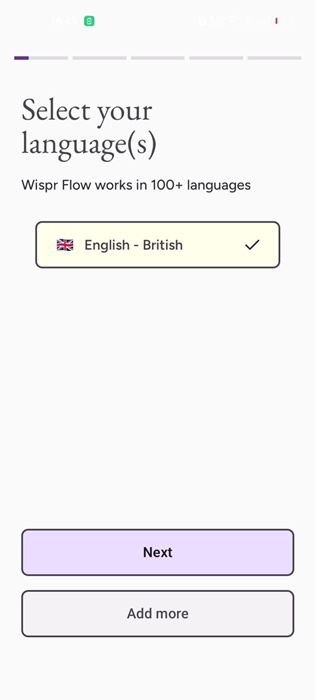
4. Complete setting up the app.
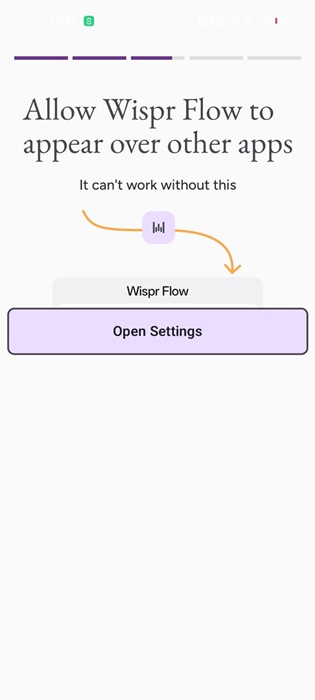
5. Make sure to allow the app permission to draw over other apps.
6. Wispr Flow works across apps – WhatsApp, Gmail, Notes, Social Media – wherever you can type.
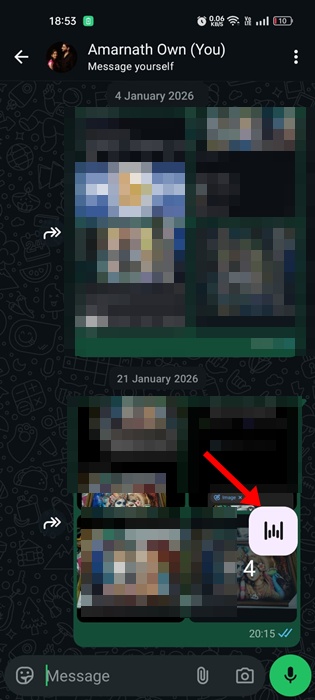
7. Tap the bubble once to start speaking. Speak naturally without any pause.
8. Tap the checkmark when you’re done.
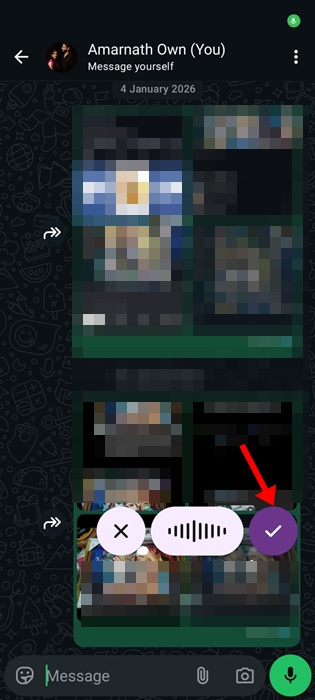
9. The text will appear instantly in your active text field.
Wispr flow is currently free for Android users. Android users can use the app without any usage caps during the early access. However, on other platforms, the free plan usually includes weekly word limits.
This article explains how to download and install Wispr Flow on an Android phone. If you need more help on this topic, let us know in the comments.
The post How to Download & Install Wispr Flow AI on Android? appeared first on TechViral.
from TechViral


0 Comments