
Microsoft has an HDR calibration app that lets you calibrate your HDR display for a better experience with HDR content. The app also runs several tests to determine the best HDR settings to improve your HDR gaming experience.
System Requirements for Windows HDR Calibration App
Here are the system requirements for the Windows HDR Calibration App.
Operating System: Windows 11

Display: HDR Capable Display

HDR: Turned On.

App Mode: The apps should run in full screen mode.

GPU: AMD RX 400 Series or Later/AMD Ryzen Processor with Radeon Graphics. Intel 11th Gen or Later/Intel DG1 or Later. Nvidia GTX 10xx or later.

Display driver: WDDDM 2.7 or later
How to Check If Your Monitor Supports HDR?
Before you proceed, it’s important to check whether your monitor supports HDR.
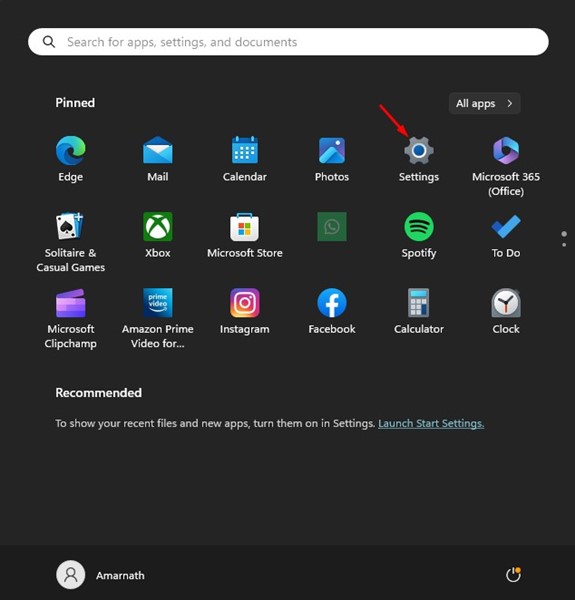
1. Click the Windows 11 Start button and select Settings.
2. When the Settings app opens, switch to System.
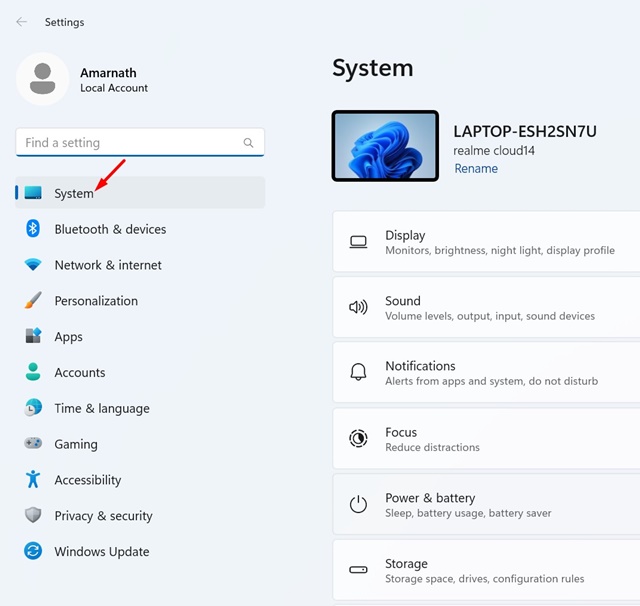
3. Click Display.
4. On the Display Screen, click HDR. Make sure that the toggle for Use HDR is turned on.
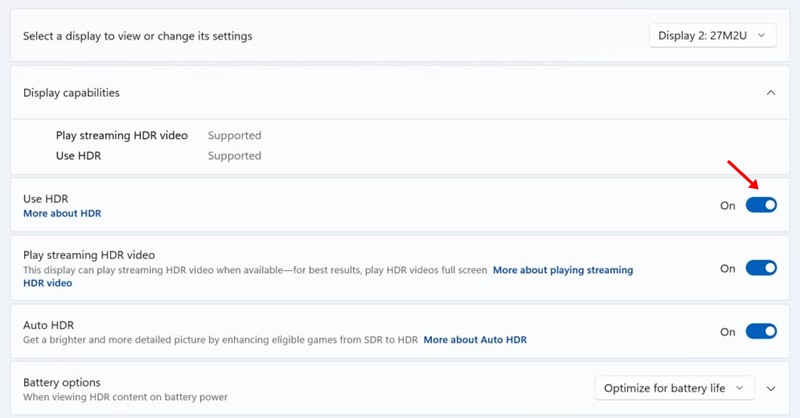
5. If there’s no HDR toggle, your monitor doesn’t support HDR.
6. You must also ensure your monitor says Supported for both HDR Video streaming & Use HDR on the Display Capabilities.
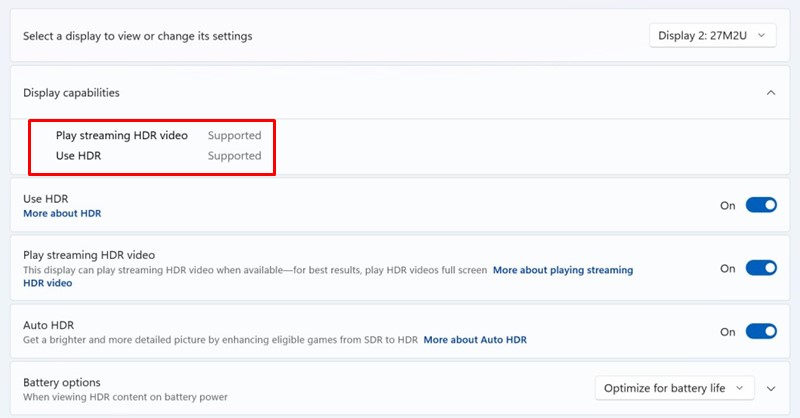
7. If HDR video streaming is supported but Use HDR is not supported, you won’t be able to use the HDR Calibration app.
How to Download & Install Windows HDR Calibration App?
The Windows HDR Calibration app from Microsoft is available for free.
1. Download the Windows HDR Calibration app from the Microsoft Store. Open the link and click on the Get button.
2. Once installed, launch the HDR Calibration app.
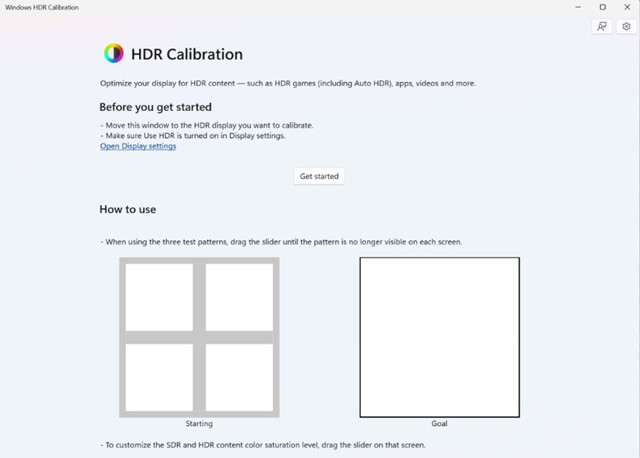
3. Click on the Get Started button to view the test patterns and then go through three test patterns, one at a time.
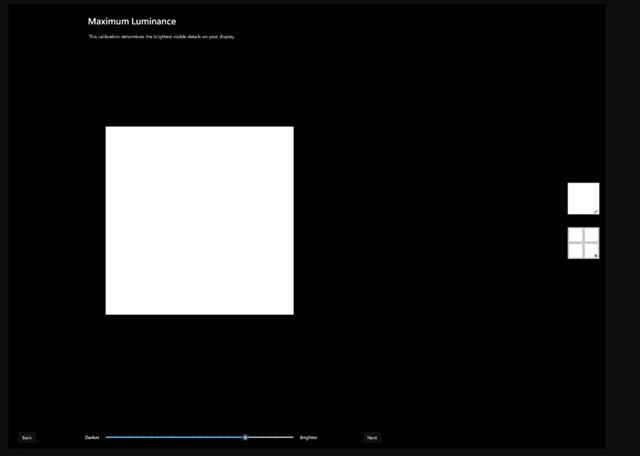
4. Drag the slider at the bottom until the pattern becomes invisible.
5. As you reach the final screen, you will be able to see how your display looks before and after the calibration.
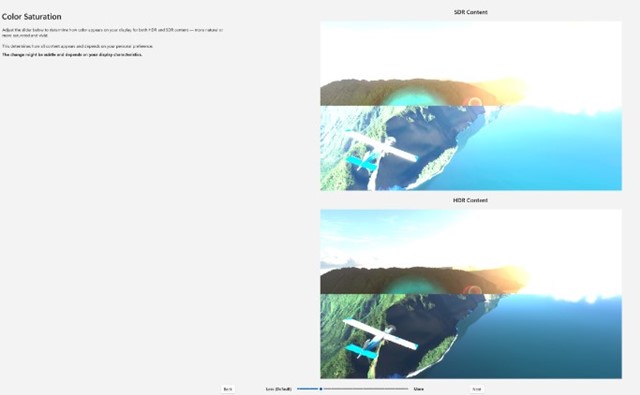
6. If you’re satisfied with the calibration, click Finish to save it. Otherwise, click the Back button to adjust it again.
If your display supports HDR, use this app to improve color accuracy and consistency. Let us know if you need more help calibrating your HDR display on Windows 11.
The post HDR Calibration App on Windows 11 – How to Download & Use appeared first on TechViral.
from TechViral


0 Comments