
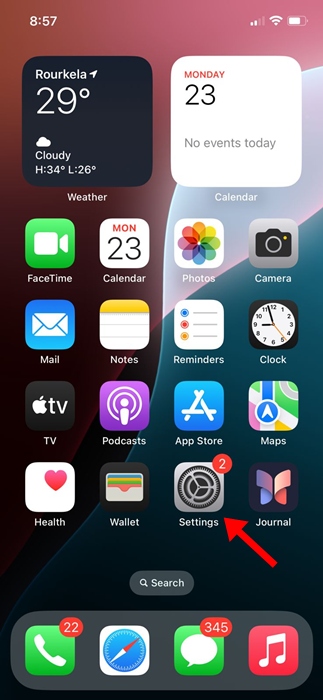
Music haptics is a technology that makes you feel music through vibrations. The feature uses the device’s vibration motor to sync vibration with the rhythm, beat, or bass of the music playing. It is often advertised as an Accessibility feature because it allows people who are deaf or hard of hearing to enjoy music through tactile feedback. Here’s how you can enable the feature.
1. Launch the Settings app.
2. Tap Accessibility.

3. Tap Music Haptics.

4. Enable the toggle for Music Haptics.

5. To check if Music Haptics is working, tap Play Sample. This will let you feel the effects.

Which Apps Work with Music Haptics on iPhone?
The Music Haptics feature will work with Apple Music, Apple Music Classical, Shazam, and selected third-party apps. If you have an Apple Music subscription, you can test the Music Haptics feature by playing a track.
If the track supports the feature, you will notice a ‘Music Haptic’ button below the playback bar. Tapping the Music Haptic button on Apple Music will let you pause the vibrations.
Does Music Haptics on iPhone Drain Battery?
With the Music Haptics feature enabled, you can expect faster battery drain. The feature requires access to your vibration motor when you play a song, which will cause some battery drain.
If your iPhone’s battery life degrades, avoid using this feature. But that said, it’s not meant for people who are deaf or hard of hearing, as everyone loves haptics.
This article explains how to enable Music Haptics on iPhone. Let us know if you need more help on this topic.
The post How to Enable Music Haptics on iPhone appeared first on TechViral.
from TechViral


0 Comments