
If your device doesn’t have enough storage, you might experience issues like slow performance, device lag, etc. To deal with such issues, you must find and delete all useless and duplicate files. Here are the best ways to find & delete duplicate files on Android.
1. Using Duplicate Files Fixer
This duplicate media remover app will help you recover storage space on your device to save additional data or install other apps from the Play Store without facing low storage warnings.
1. Download and install Duplicate Files Fixer on your Android device and open the app.
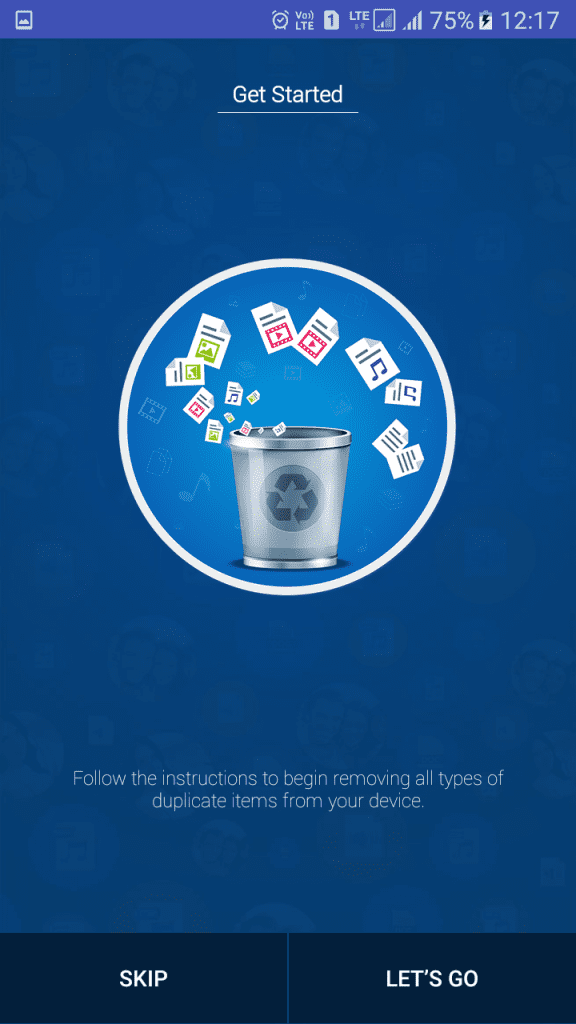
2. You will see the Get Started screen. Tap on Let’s Go.
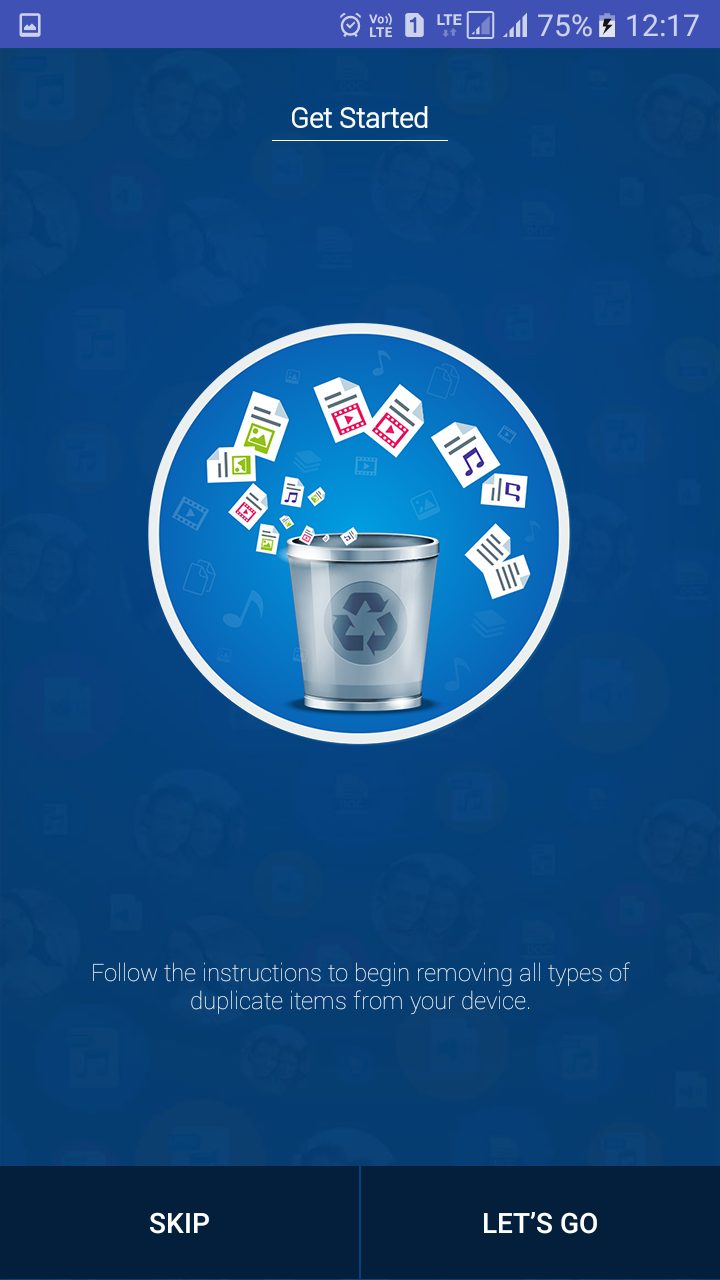
3. You must grant permission for the Audio, Video, Pictures, and Document files. Tap on Got It to continue.
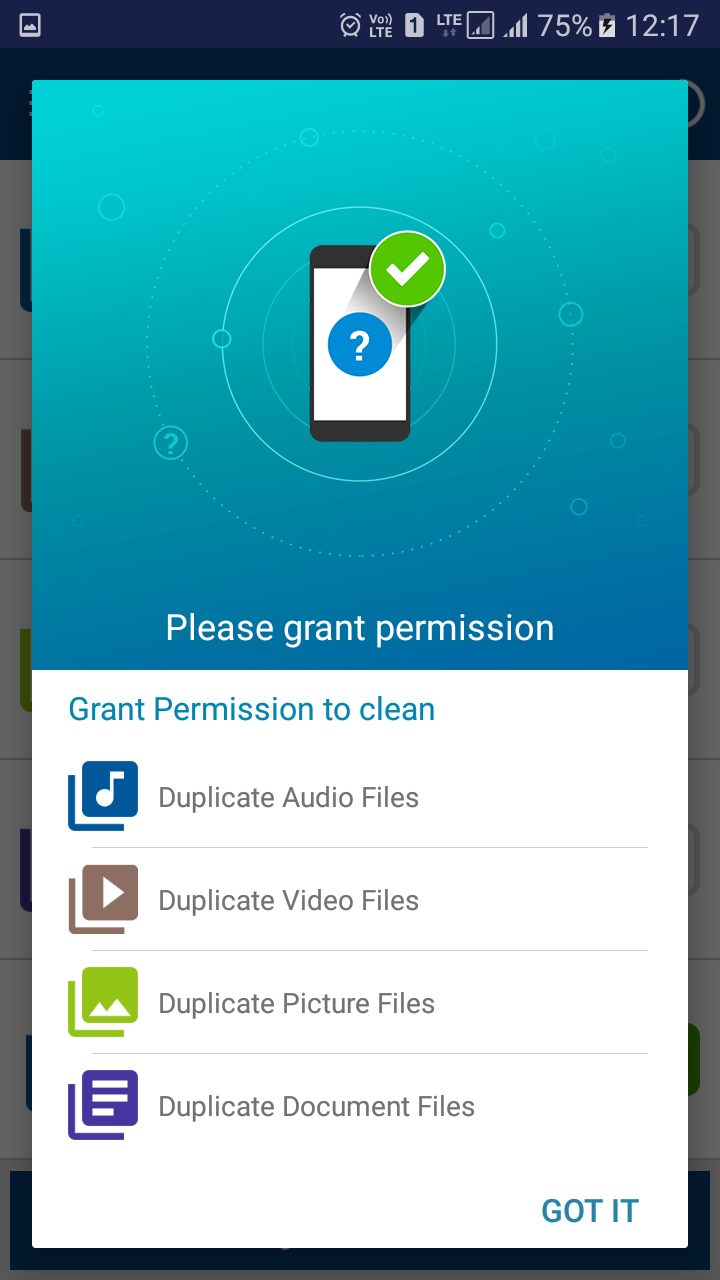
4. Select Full Scan and tap on Scan Now to continue.
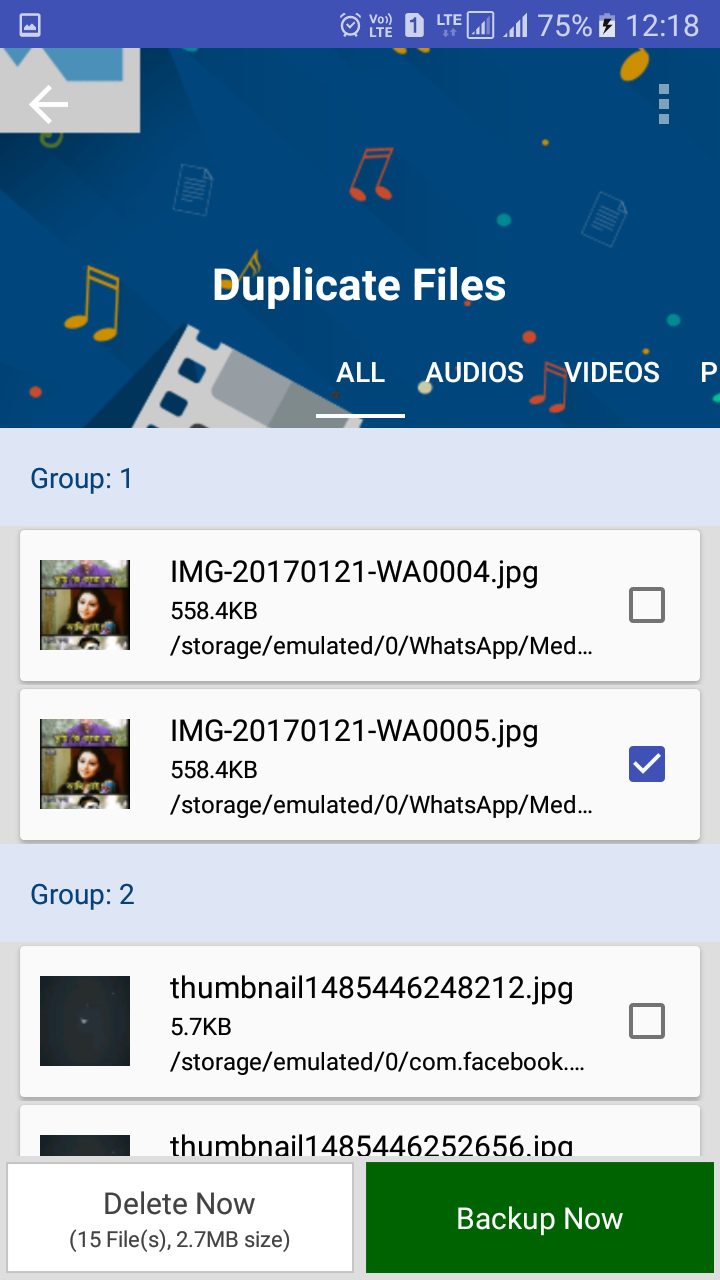
5. You will see all the duplicate files on your Android device. Tap on Delete and grant permission, and the duplicate files will be deleted.
2. Using Remo Duplicate Photos Remover
Remo Duplicate Photos Remover is another interesting app for removing duplicate photos stored on your Android device. It’s completely free to use and can effectively scan and remove duplicate photos.
1. Download Remo Duplicate Photos Remover on your Android device from the Google Play Store.
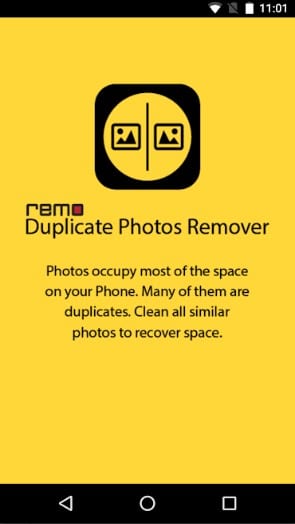
2. After installing the app, you will see a screen like the one below. Tap on the screen.
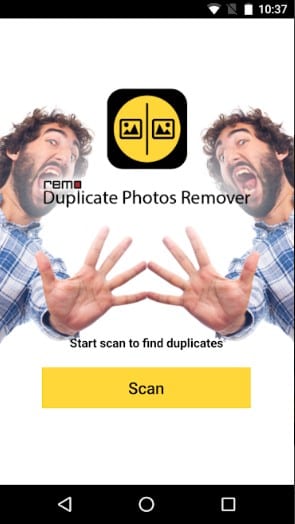
3. Tap on the Scan button to start the scanning process.
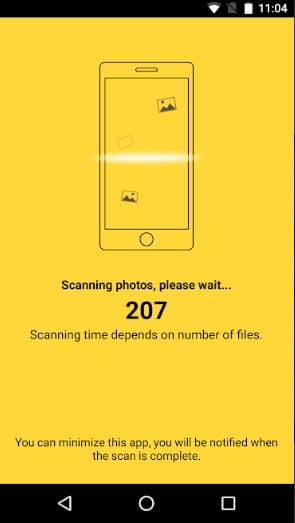
4. Wait until the app scans for duplicate files.
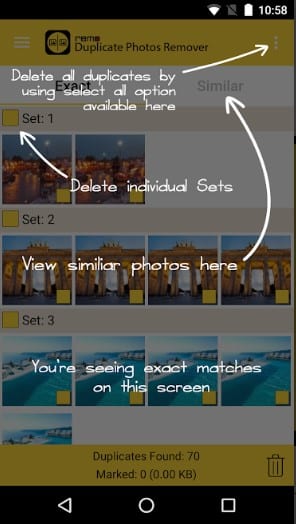
5. The app will show you all the duplicate files you can remove.
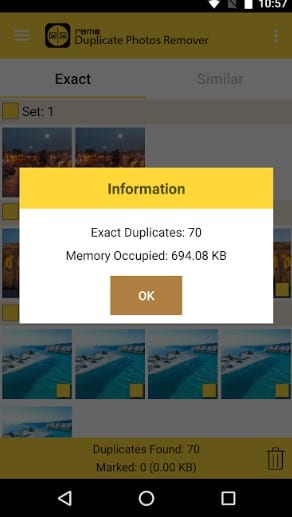
6. Select the files you want to delete and then tap Delete.
3. Other Apps to Delete Duplicate Files on Android
Plenty of other duplicate file-finder apps are available on the Google Play Store. These apps also do the job pretty well. Here, we list the best Android duplicate file remover apps on the Google Play Store.
1. Files by Google
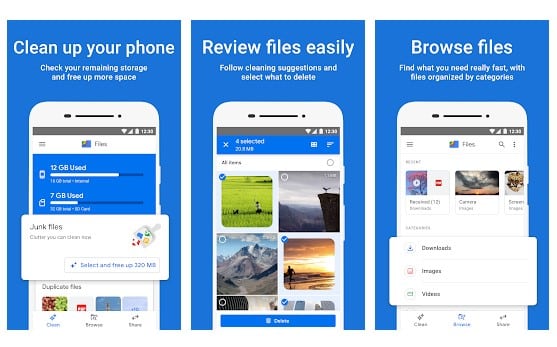
Files by Google is one of the best Android duplicate cleaner apps on the list, which could help you free up space more quickly.
It provides you with useful tools to analyze internal and external storage, including the duplicate cleaner, erase unused apps, clear cache, etc.
2. Duplicate File Remover
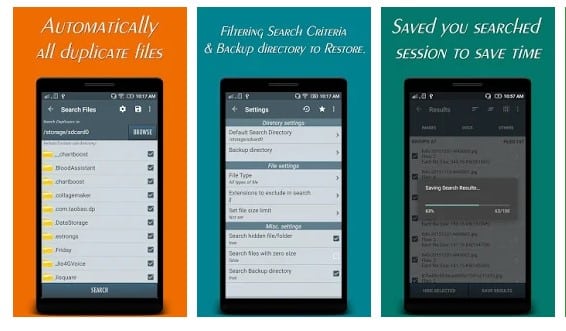
Duplicate File Remover also does a great job here. The app scans your phone’s internal and external storage and instantly shows you the duplicate files.
It can even scan and show you the duplicate contacts.
3. Duplicates Cleaner
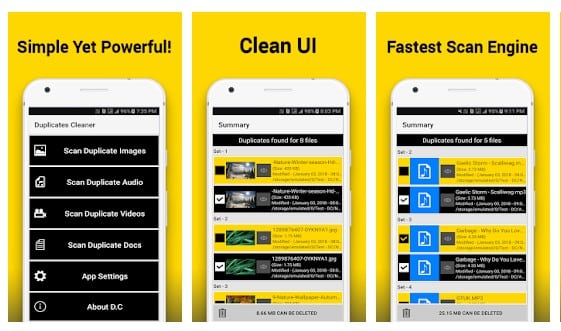
The app can find and delete duplicate files, including images, audio, videos, documents, etc. What makes Duplicates Cleaner more interesting is its user interface, which is very easy to use.
4. Duplicate Contacts Fixer and Remover
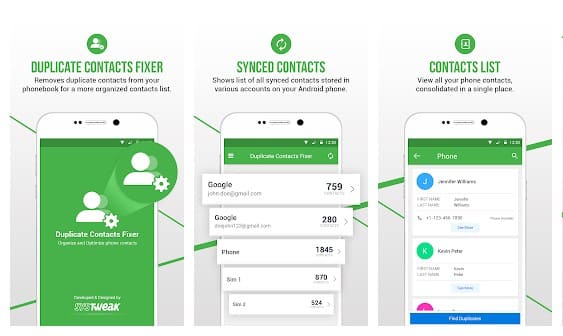
With Duplicate Contacts Fixer and Remover, you can easily find and delete duplicate contacts from your Android device.
In addition, Duplicate Contacts Fixer and Remover allow users to create a backup of all their contacts before scanning begins.
5. Duplicate Files Remover
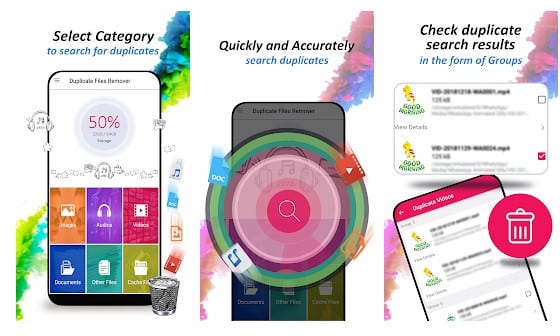
This one is an Android file cleaner and storage optimizer app on the Google Play Store. The most noticeable thing about the app is its user interface, which looks clean and well-organized.
If we talk about the features, Duplicate Files Remover can find and delete duplicate photos, audio, videos, GIFs, documents, etc.
6. ASD File Manager
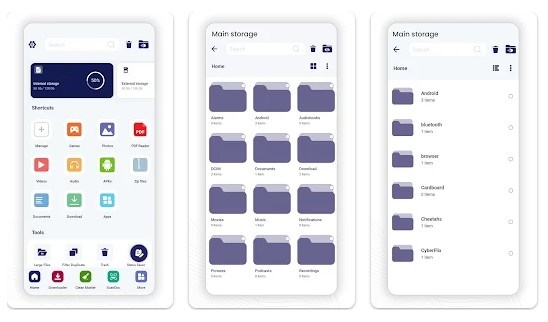
This is a full-fledged file manager app for Android that packs many awesome features. With ASD File Manager, you can easily copy, share, move, rename, scan, encrypt, and compress the files stored on your device.
The file manager app for Android also brings a feature that scans and finds duplicate media files. After finding duplicate media files, you can remove them from your phone to free up storage space.
7. Duplicate Photo Find & Remove
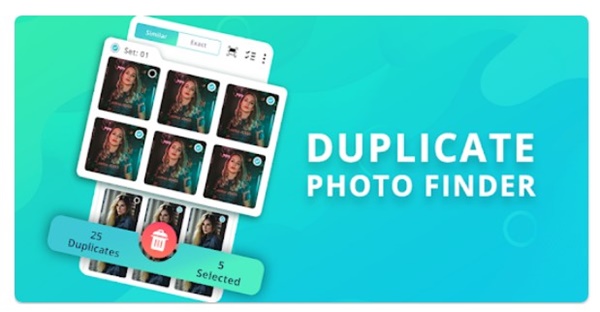
This app effectively finds duplicate photos stored on your smartphone and consumes the storage space.
It’s a great app for detecting duplicate photos and getting rid of them. In addition to the duplicates, Duplicate Photo Find & Remove can also scan and find similar images with up to 80% accuracy.
Frequently Asked Questions:
How do I find duplicate files and delete them?
You can find duplicate files on Android using the duplicate file finder apps or the built-in Files by Google App.
How do I delete duplicate files from the gallery?
You can use apps like Duplicate Photo Find & Remove and Duplicate Files Remover to find and delete duplicate files from your Android gallery.
Are duplicate files finder & remover apps safe?
Yes, most of the apps listed in the article are available on the Google Play Store, so they are 100% safe and secure to use. However, avoid downloading apps from third-party sources.
Which is the free duplicate file finder for Android?
Files by Google and the Duplicates Cleaner app are 100% free to download and use. All apps are free to download, but they have an optional in-app purchase.
How to free up storage space on Android?
There are various ways to free up storage space on your Android phone. You can start by uninstalling apps you no longer use, deleting duplicate files, etc.
That’s how to find and delete duplicate files on Android. If you have any doubts, let us know in the comment box below.
The post How To Find and Delete Duplicate Files On Android appeared first on TechViral.
from TechViral


0 Comments